Jira sandbox and release tracks: how to test changes before your users see them
A Jira sandbox lets you rehearse your own configuration changes on a copy of production; release tracks decide when Atlassian's changes reach your users. Which plans include them, how to create and refresh a sandbox, what data is copied, and a change process that uses both.
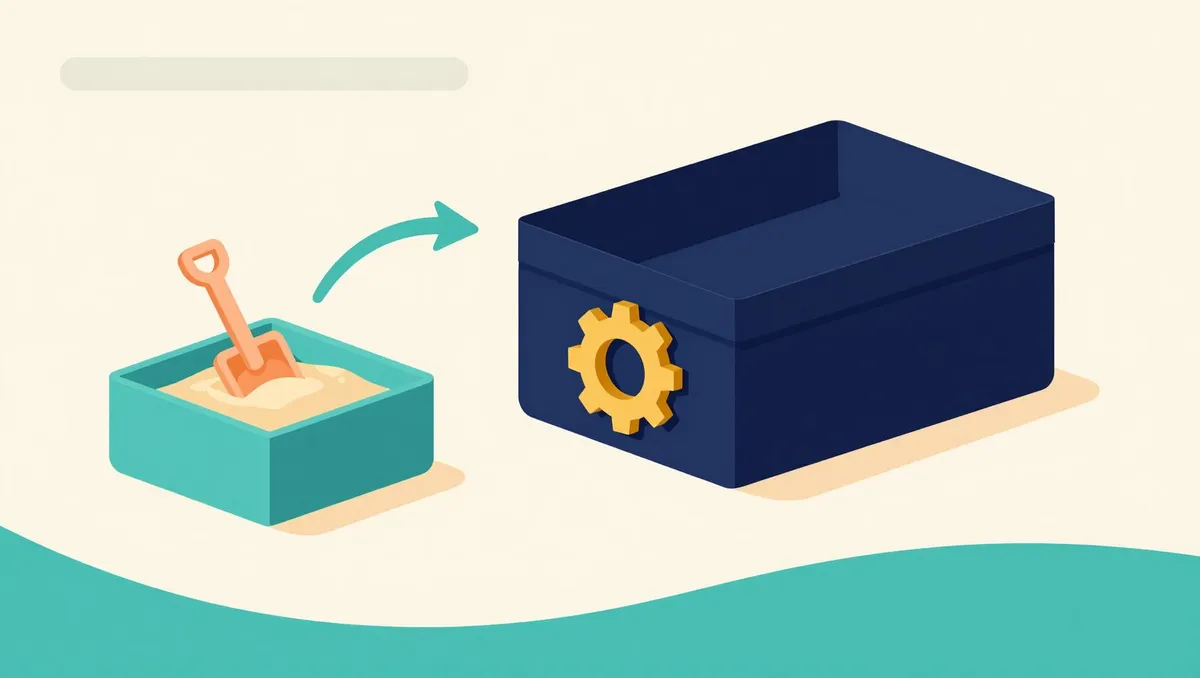
Premium and Enterprise give you two separate controls: a place to rehearse your own changes, and a schedule for Atlassian’s.
A Jira sandbox is an isolated copy of your production site where you test configuration changes, apps and Atlassian’s upcoming features before users see them. It comes with Premium (one free sandbox per app) and Enterprise (up to five per app). Release tracks set when Atlassian’s own changes reach production. Use them together: production on the Bundled track, the sandbox on Preview, and every configuration change rehearsed in the sandbox first.
Neither replaces the other. The sandbox protects users from your changes; release tracks protect them from Atlassian’s. What follows reflects both features as of November 2026.
What is a Jira sandbox and which plans include one?
A sandbox is an isolated environment that mirrors production, so changes made there do not affect your live site. Sandboxes are available only on Premium and Enterprise plans, for Jira, Jira Service Management, Jira Product Discovery and Confluence. Premium includes one free sandbox per app; Enterprise includes up to five per app.
Enterprise sandboxes can be assigned to any of your production sites and moved later. Extra sandboxes can be purchased separately for apps on annual subscriptions (sandbox billing). A few rules are worth knowing before you start:
- It is not production. Sandboxes are not covered by Atlassian’s SLAs, and Atlassian advises against keeping your only copy of any data there (what a sandbox is).
- Access starts closed. When a sandbox is created, only organization admins can get in; you grant access to testers yourself. Sandboxes have the same user limits as their linked production site.
- Marketplace apps. An app with a paid subscription in production can be added free to up to five sandboxes linked to that site. An app you only trial in the sandbox is billed on the sandbox’s users once the trial ends.
- Keep Atlassian Guard out. Atlassian advises against adding Guard to a sandbox.
How do you create a Jira sandbox?
You create a sandbox in Atlassian Administration under Apps, then Sandboxes, with the organization admin role (or unit admin, where units are used). Choose the production site, name the sandbox site, pick the apps to include, and wait. Setup can take up to 30 minutes, and you get an email when it is ready.
The steps:
- In Atlassian Administration, select your organization.
- Select Apps, then Sandboxes.
- Select Create sandbox, choose the source production site, and type a name for the new sandbox site (dev, test or uat work well).
- Choose the apps to replicate, within your sandbox allowance.
- Wait for the email and the notice on the Sandboxes page.
To add Jira to a sandbox site you already have, find it in the Sandboxes table and select Add. Copying production data in is a separate step.
What data is copied to a Jira sandbox?
You choose between all projects or specific projects (Jira’s dialogs still say projects, the old name for spaces), with or without attachments. A full copy brings users and groups, archived and trashed projects, attachments, and automation rules in a disabled state. Marketplace apps and their data are not copied. Webhooks and OAuth tokens are never copied, and sandboxes disable email notifications.
A copy of specific projects is faster but brings less. According to Atlassian’s list of copied data, it leaves out automation rules, dashboards, global permissions and general configuration, and puts the copied projects on the default notification scheme. For Jira Service Management, agents arrive inactive, portal-only customers arrive inactive until you enable outgoing email and resend their invitations, and email channel authentication has to be set up again.
Plan for time. A copy can take up to 14 days depending on data size, and leaving attachments out speeds it up. Atlassian emails you when the copy is done. Copying all production data into one Jira-family sandbox also refreshes the other Jira-family sandboxes already set up.
How do you refresh a sandbox with production data?
Refreshing is the same action as the first copy: in Atlassian Administration, go to Apps, then Sandboxes, open the more actions menu on the sandbox, and select Copy production data. Every copy overwrites the sandbox’s existing data, so anything you built there and did not write down is lost.
Three habits make refreshes painless:
- Refresh before a test cycle, never during one. A refresh mid-test wipes the work in progress.
- Prefer a full copy when IDs matter. Atlassian notes that identifiers match production only after a full copy, which matters for scripts, filters and automation that reference IDs.
- Re-enable only what you test. Automation arrives disabled; switch on the rules you are testing and nothing else, so the sandbox does not send surprises to integrations.
What do release tracks control?
Release tracks decide when Atlassian’s changes reach a site. Continuous, the default, delivers changes as soon as they are ready. Bundled groups most changes into a monthly release that rolls out from 22:00 UTC on the second Tuesday. Preview, for sandboxes only, delivers each bundle about a month before production. Release tracks need Premium or Enterprise.
They apply to Jira, Jira Service Management, Jira Product Discovery and Confluence, and also to Rovo, Goals and Projects on those sites. Some changes ignore the bundle and arrive immediately: bug fixes, security and performance updates, Jira Service Management features powered by Opsgenie, and long rollouts such as retiring a feature (what release tracks control).
Jira changes now follow seasonal release cycles, so a Jira bundle outside those cycles may contain very little.
To switch, go to Atlassian Administration, then Apps, Release management, Release tracks, find the app, select Change track, and confirm. Atlassian recommends Bundled for production and Preview for the sandbox; a sandbox left on Continuous cannot show you changes early. To see what is coming, use App updates under Release management. On the Bundled track, organization admins also get a monthly email listing upcoming changes and their dates.
A change process that uses both
- Set the tracks. Production on Bundled, sandbox on Preview.
- Keep a change log. One line per change: what, why, who, when, and how to roll it back.
- Build every configuration change in the sandbox first. Workflows, schemes, fields, automation and new apps. Status consolidation is a good first candidate; see simplifying Jira workflows.
- Test with real data. Check boards, filters, dashboards, the rules you re-enabled, and for service spaces the portal and request types.
- Apply in production in a quiet window, following the steps you recorded, and tell the teams affected.
- Run the monthly preview check. When a bundle lands in the sandbox, read App updates, test the areas it touches, and brief users. You have about a month before production gets it.
- Refresh on a schedule. Quarterly, plus right before any large test cycle.
- Close the loop. Compare the change log with the production audit log, and chase anything that changed without an entry.
If you are still deciding whether Premium is worth it for these controls alone, Jira Standard vs Premium sets out what else comes with it.
The short version
A Jira sandbox, on Premium or Enterprise, is where your own changes get rehearsed on a copy of production; release tracks decide when Atlassian’s changes arrive. Put production on Bundled and the sandbox on Preview, refresh sandbox data before each test cycle, remember that automation arrives disabled and Marketplace app data is not copied, and run every configuration change through the sandbox with a written log. To compare that log with what actually changed in each space, Configuration Monitor records Jira space configuration changes with before and after values.
We build Atlassian Marketplace apps.
Forge apps for Jira and Confluence Cloud that run inside your own Atlassian environment. Your data stays where it already is, and your security review covers one platform you have already approved.
Related reading
Atlassian offboarding checklist: what to do in Jira, Confluence and Atlassian Administration when someone leaves
A practical Atlassian Cloud offboarding checklist: when to deactivate, suspend, remove or delete an account, and how to hand over what the person owned, from work items, filters and dashboards to automation rules, Confluence pages, Rovo agents, API tokens and integrations that ran under their name.
Jira permission scheme audit: who can see and do what in Jira Cloud
A Jira permission audit works through layers: public access, grants to every logged-in user, the permission schemes spaces share, roles, groups and global permissions, and work item security levels. A step-by-step procedure for Jira Cloud, and the order in which to fix what you find.
Jira automation limits: how usage is counted and how to stop wasting it
Jira automation usage is capped by plan, and Atlassian is changing how it is measured: from December 3, 2026, automation is metered in steps pooled across your organization instead of rule runs per product. How usage is counted, where to see it, and the rule patterns that burn the allowance.