How to choose a cost tracking app for Jira
A buying guide written by the team behind OnBudget. Six criteria phrased as questions a buyer would ask, a table comparing five approaches rather than five products, and a plain account of where OnBudget fits and where it does not.
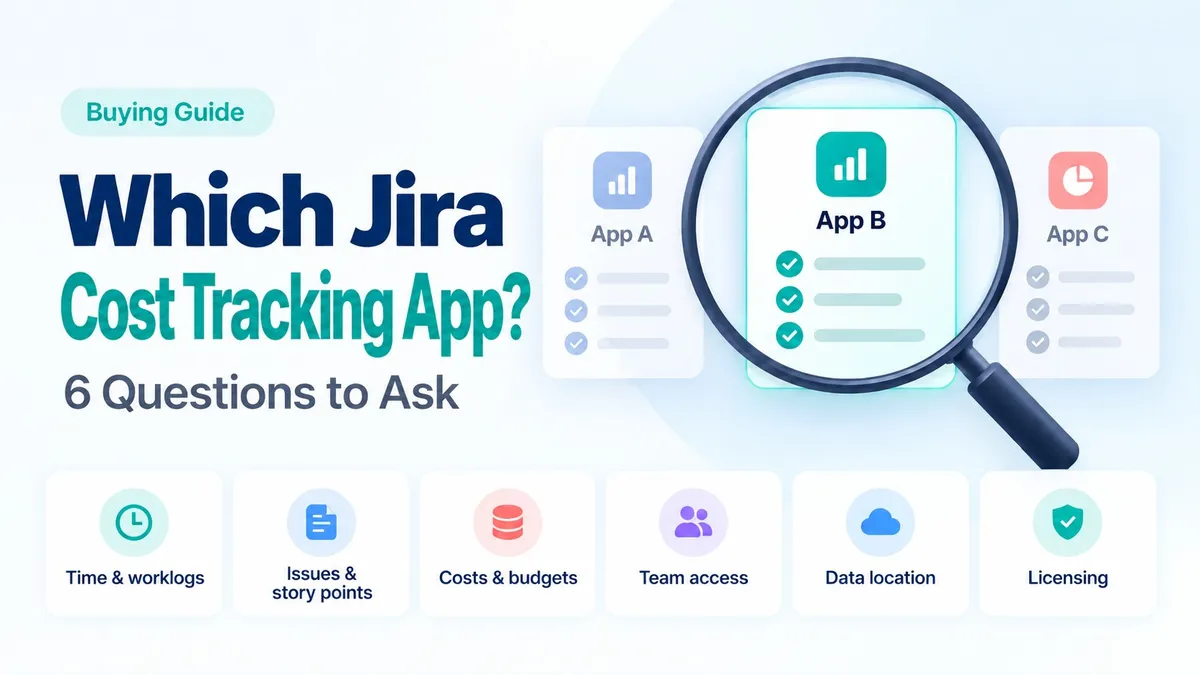
What separates one Jira cost tracking tool from another is not how many charts it draws. It is which signal it can turn into money.
Before anything else: we build OnBudget, a Jira Cloud app for budget tracking and cost reporting. You are reading a buying guide written by a vendor, so weigh it accordingly. The criteria below apply to every option on your shortlist, including ours, and where OnBudget fails one, that is stated in the same words as everything else.
Every tool in this category ends in charts, so every demo looks alike. What the demo does not show is the thing that decides whether the tool works at all: which quantity in your Jira data it can price, and whether your teams already produce that quantity. A tool that prices logged time is worth nothing to a marketing team that does not log time, and one that prices story points is worth nothing to a service desk that does not estimate. The charts are interchangeable. The signal is not.
Six questions follow, and none of them needs a product name to answer.
What does your team already record?
Start here. It eliminates more options than the other five combined.
Jira already holds several quantities that can carry a price. Story points on a work item. Time in worklogs. Any numeric custom field somebody is already filling in, whether that is licences, seats or units quoted. And the count of the work items themselves, finished or sitting in a chosen status. Multiply one by a rate and you have a cost.
The question is not which is most rigorous, but which one your teams produce today with no new discipline and no backfill. Go and look before you shortlist: open a filter on the space you most want to cost, add the estimate column, and count the blanks.
Then ask each vendor whether the tool reports what share of your work items carries a signal before you build the report or after. Finding out that a method covers a third of your data is useful on day one and infuriating in week three.
Do you need to record time, or only to price time already recorded?
These are two different products, and they get shopped as one.
Recording time means giving people somewhere to log hours, plus the reminders, approvals and corrections that follow. Tempo Timesheets is a well known example, and its own page describes the job plainly: worklogs that make “recording time spent on tasks effortless”, and automated time tracking that “eliminates manual entry”. Pricing recorded time is the other job: read the worklogs that exist, multiply by a rate, hold no opinion about how the time got there.
Three cases. If your teams already log time in Jira, or through a tool that writes worklogs into Jira, you need something that prices what is there. If they do not log time but genuinely should, buy time recording, and budget for the adoption work alongside the licence. If they do not and are not going to, stop looking at time based tooling and cost a different signal.
The common failure is the second case pretending to be the first: a cost report built on worklogs half the team fills in reports a number that looks complete and is not.
One currency per budget, or conversion between currencies?
Answer this early. It splits the market and it is easy to answer.
If each budget lives in one currency, conversion is a feature you will never open. If spend arrives in several currencies and has to roll up into one, you need it, and you need to interrogate it: which rate, from which source, on which date, and does a historical report change when that rate moves?
Some tools convert. Some deliberately do not, on the grounds that one stated currency is more defensible than a rate nobody chose. Either position is honest. Not knowing which you bought is not, and a tool that converts silently will lose the first argument it has with your finance partner.
Who reads the report, and what Jira access do they have?
The person who asks what an epic cost is frequently not the person who can open that epic. Finance partners, sponsors and department heads often hold light Jira access or none.
Two mechanisms are in circulation. A snapshot freezes the numbers at the moment of sharing, and anyone with the link sees them. The alternative regenerates the report under the viewer’s own Jira permissions, so a viewer sees costs only for work they could already open in Jira.
Snapshots are convenient and they leak. Regeneration does not, at the cost of different viewers seeing different totals. So the follow-up matters more than the question: what happens when a viewer cannot see part of the scope? Silently dropping those work items produces a smaller total with no explanation attached. A warning on the report is the behaviour to look for.
Does the data leave your Atlassian tenant?
Some tools run entirely on Atlassian’s own infrastructure. Others import Jira data into their own model, which is usually what an analytics layer needs in order to do its job. Both are legitimate engineering choices. Ask every vendor on your shortlist where that copy lives, and get the answer from their own documentation rather than from a comparison page, this one included.
Whether that matters depends on your organisation. Under a data residency commitment, or where the security review is the long pole in procurement, it matters a great deal. Atlassian has a name for the first shape: the Runs on Atlassian program, whose requirements include that “Apps exclusively use Atlassian-hosted compute and storage” and that “Customers can control external data egress (for example, analytics and logs) via admin controls”.
Two related checks: what the tool stores, and where an export is generated, in your browser or on a server.
How many apps must you license to get a complete picture?
Buyers reach this criterion last and regret not reaching it first. It has two halves.
The first is the count. Some complete pictures are assembled from more than one product, and vendors with a suite are usually open about it on their own pages. Tempo’s Timesheets page, quoted above, says that “Timesheets integrates with other Tempo products to deliver powerful reporting features, across Jira programs, projects, and portfolios”. That may be the architecture you want, and a suite you already own is a fair reason to stay inside it. Just count the pieces before you compare.
The second half is setup, and it shows up as delay rather than as cost. What has to change in Jira before the tool produces its first number? New custom fields mean a field context, a screen scheme and a conversation with whoever guards them. Workflow edits mean a change window. An analytics layer means somebody who writes the queries and somebody who maintains them afterwards.
Add up the elapsed time from purchase to first defensible number, not the licence count. That total decides whether the tool is still in use in six months.
The approaches, side by side
The rows are approaches rather than products, because one product can sit in more than one row. Read the cells as questions to put to a vendor.
| Approach | Signal it prices | Needs time recorded | Currency conversion | Reader access | Data location | Pieces to license |
|---|---|---|---|---|---|---|
| Timesheet product plus a financials product | Logged hours, by role or person | Yes, that is the premise | Ask the vendor | Varies by product | Ask the vendor | Count the suite, not the app |
| Analytics layer over worklog data | Anything in the imported model, if you can write the query | Usually, for cost | You define it in the query | Ask the vendor | Ask the vendor | One, plus whoever maintains the queries |
| Manual cost entry by category | Whatever a human types | No | Whatever the spreadsheet does | Anyone with the file | Wherever the file lives | None, and that is the problem |
| Jira native budget reporting app | Points, worklogs, a numeric field, or counts of work items | No | Ask; some do not convert by design | Can follow Jira permissions | Can stay inside Atlassian | One |
| External PSA or accounting system | Invoices, timesheets, ledger entries | Usually | Yes, core to the category | Finance access, not Jira access | Outside Atlassian by definition | One, plus the integration |
Where OnBudget fits, and where it does not
OnBudget is the fourth row. It prices one of five signals: story points per point, any numeric field per unit, worklogs by rate card or flat rate, work items closed or resolved per item, or work items sitting in chosen statuses per item. Before you commit to a method it samples your data and shows what share of your work items carries that signal, which is criterion one answered before you build rather than after. The builder is four steps and previews the report before saving. It adds no custom fields, changes no screens, and holds read only scopes, so uninstalling purges everything it held. It runs entirely on Forge, which makes it eligible for the Runs on Atlassian program.
Now the limits, in the same plain terms.
It is not a time tracker and records no hours. It reads worklogs that already exist in Jira, including worklogs written there by another app, and prices them. If your team has no worklogs and you want them, this is the wrong purchase for that half of the problem.
It does not convert between currencies. One currency per report, from eighteen ISO currencies. That is deliberate: an invented exchange rate is worse than no exchange rate. If your portfolio needs a converted roll-up, treat this as a real gap.
It does no invoicing and no revenue tracking. It writes nothing to Jira at all, which is a strength for risk and a limitation if you wanted cost values stored back on the work item. And it is built on Forge, so it is Cloud only. There is no Data Center or Server build.
Where to start
Do not shortlist first. Find out what signal your data actually carries, then buy against that answer rather than against a feature list.
If a Jira native approach is where you land, the OnBudget product page covers the five methods and the builder, the documentation covers rate cards, thresholds, the forecast and the sharing model, and there is a longer piece on costing Jira work without timesheets if criterion two is where your problem sits. The trial and the rest of the detail are on the Marketplace listing.
Want this without the spreadsheet?
OnBudget turns the work your team already tracks in Jira into budgets, forecasts and cost reports. It works with the fields your team already fills in, and it reads your Jira rather than editing it.
Related reading

What does your Jira work actually cost?
Jira records what your teams did. It does not record what it cost. Here are the five signals most teams already have, how to turn each one into money, and how to tell which of them your data can actually support.
Pay for the 20% You Use: Shrinking Your Atlassian App Footprint Without Losing the Workflow
Most Atlassian Marketplace bills pay for features nobody uses. An honest usage audit and a focused custom Forge app turn pay-per-seat-forever into pay-once-you-own-it, with a better fit for your team.

Atlassian Team '26: What We Expect, Think, and Hope Ahead
From the perspective of an Atlassian Marketplace partner building integrations every day. What we're watching for at Team '26: AI in the workflow, the System of Work, enterprise needs, and where partners still matter.