What a Jira Data Center to Cloud assessment should actually tell you
A migration assessment is not a list of installed apps. It is a decision for every app, a measured cleanup, and an effort number you can defend in a meeting. Here is the shape we use, and why each part of it exists.
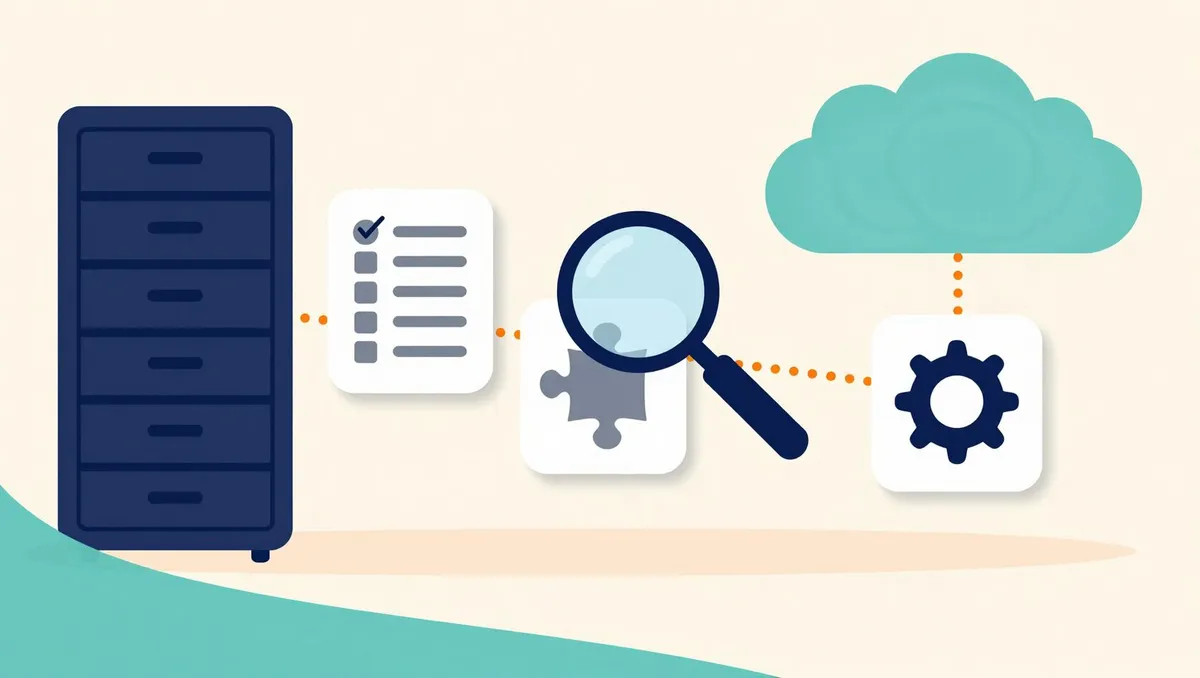
An inventory tells you what you have. An assessment tells you what Monday morning looks like after the move, what it costs to get there, and what you should not bother moving at all.
Most Data Center to Cloud assessments we are asked to review arrive as a spreadsheet: one row per installed app, a column that says “supported” or “not supported”, and a total. That is a useful starting point and a poor finishing one. It answers “what is installed”, which nobody was really asking, and leaves the three questions that decide the project untouched.
Those three questions are: what will be different for the people who use Jira every day, how much work it takes to get there, and what you can leave behind. Everything below is in service of answering them.
Sort the apps before you study them
A mature Data Center site carries dozens of apps, and they do not deserve equal attention. The first pass is a sort, not a study, into four tiers:
- Red. Heavy coupling to your data and workflows, and no straightforward Cloud equivalent. Scripting apps and apps that add their own custom field types usually land here. These get a full assessment and a replacement plan.
- Yellow. Some coupling, or a Cloud version that exists but behaves differently. Integration apps and automation with incompatible actions often land here. These get a full assessment with the reconfiguration written out.
- Green. Native in Cloud, migrated automatically, or barely used. A short note is enough.
- Grey. Disabled, installed for a test, or used by nobody. One line in the summary.
The point of the sort is to protect your time. A week spent researching the Cloud story of an app nobody has opened since 2023 is the most common waste in these projects, and it is invisible until someone sorts first.
Measure usage from the database, not from memory
“Nobody uses that” and “everybody uses that” are both usually wrong, and both are said with great confidence in kickoff meetings.
The database settles it. For each app: how many work items carry its fields, when those fields were last written, which spaces depend on it, how many workflows reference it. Put three to five sample rows on the assessment page next to the counts. People believe numbers they can see an example of, and the examples regularly surface surprises: the “unused” field that one team fills in on every work item, the “critical” app whose last real use was two years ago.
Ask every app the same ten questions
For the Red and Yellow apps, we write the same page every time, in the same order:
- What the app does, as a table of capabilities.
- The migration decision, in one line.
- The app’s details: vendor, version, status.
- Current usage, from the queries above.
- What the migration tooling moves for this app, and what it does not.
- Cloud-native alternatives, and the gaps between them and what you use today.
- The recommended approach, item by item.
- Risks, with impact, likelihood and mitigation.
- Effort, as a range, with who does what.
- What happens if nothing replaces it.
The repetition is deliberate. When twenty app pages have the same shape, the summary writes itself and the review meetings get faster, because everyone knows where to look.
The tenth question is the one that makes decisions possible. Sometimes the honest answer is “very little happens”, and the app is dropped instead of rebuilt. That single answer has saved more migration budget than any clever replacement we have designed.
The cleanup scan pays for the assessment
Moving a site to Cloud is the best chance you will get to stop paying for clutter, and the cheapest time to remove clutter is before it is migrated. A cleanup scan looks for:
- Components and versions that no work item uses, which are often a large share of the totals.
- Spaces that are empty or have not changed in years.
- Custom fields that have never held a value, and fields with duplicate names.
- Schemes that no space uses, and shared filters and dashboards whose owners have left.
- Automation rules that have not fired in months, and mail handlers pointing at dead mailboxes.
Every item comes with a count, so the scan reads as evidence rather than as opinion, and every removal is preceded by an export. A smaller site migrates faster, fails less often in rehearsal, and starts its Cloud life clean.
Effort as a range, with its reasons
A single number invites a single argument. We size each item as low, medium, high or blocker, give each a range of hours, and add them up into a range for the project. A blocker means there is no Cloud equivalent: the choice is to accept the loss or to redesign the process, and that choice belongs to you, not to us.
Next to the range we write what moves it. “This goes down if you decide to retire the legacy approval workflow” is more useful in a budget meeting than a tighter number with no reasons behind it.
The things that never appear in the app list
Some of the riskiest items in a migration are not apps at all, and no inventory will show them:
- Scripts stored on the server’s file system rather than in the database.
- Outgoing webhooks and application links to systems that may not accept calls from Cloud.
- IP allowlists on the other side of an integration, which will reject Cloud’s addresses.
- Credentials and tokens saved inside app configurations.
These go on a manual retrieval checklist with an owner and a date, because each of them is a Monday-morning outage if it is discovered after the cutover instead of before.
The short version
An assessment earns its fee by answering three questions: what changes for your users, what it costs, and what you can leave behind. Sort the apps before studying them, measure usage with the database rather than with opinions, give every serious app the same ten questions, scan for clutter before you move it, and give effort as a range with its reasons. If you want a second pair of eyes on a plan, that is the work our Atlassian team does.
Planning a move, or cleaning up after one?
We assess Data Center to Cloud migrations, size the ScriptRunner rewrite, move teams off other tools, and clean up what a migration leaves behind. You talk to the people who do the work.
Related reading

After the Cloud migration: cleaning up what the move left behind
The cutover went well. Then the administrators find (migrated) everywhere: duplicate schemes, roles and screens, and notes under every field. Why the duplicates exist, how to consolidate them safely, and how to keep the new site from drifting back into the old one.
Moving off Smartsheet to Jira and Confluence: what lands where
Move everything to Jira is the wrong plan. A Smartsheet estate is many kinds of things wearing the same grid. How to sort sheets by what they really are, migrate only the live ones, use templates instead of one-offs, and handle the formulas, automations and forms that never move on their own.

Finding the Atlassian licenses you pay for and nobody uses
Atlassian Cloud bills for every account with product access, whether or not the person logged in this year, and your Marketplace apps follow the same user count. How to find the inactive accounts, sort them before removing anyone, and make reclamation a habit rather than a yearly project.