Building integrations that survive the vendor's next API change
The integration worked the day it shipped. Eight months later it quietly stopped, because a vendor renamed a field. Seven habits that make an integration between two systems survive the changes neither side warns you about.
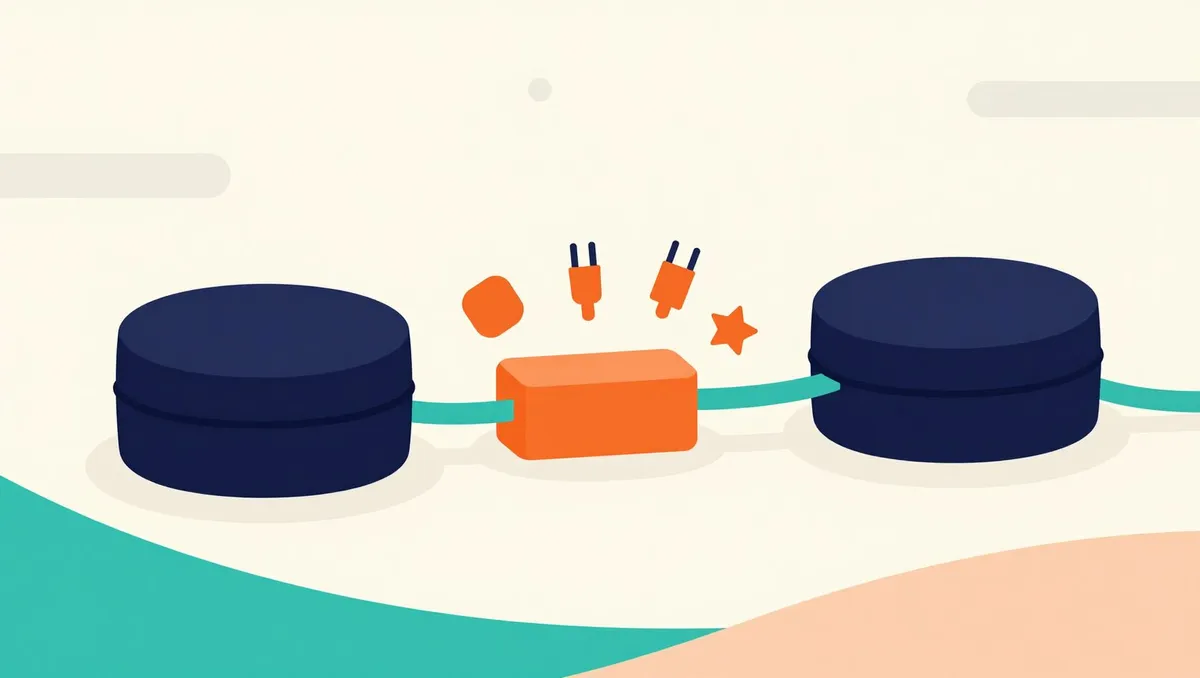
Integrations rarely fail on the day they ship. They fail eight months later, silently, on a Tuesday, because something on the other side changed.
An integration between two systems is a promise that one of them will keep understanding the other. The trouble is that neither side made that promise to you. The CRM vendor renames a field, the payments provider retires an endpoint, the ERP tightens its rate limit, and the integration that was correct the day it shipped starts writing nothing, or worse, writing nonsense.
You cannot stop vendors from changing their APIs. You can build integrations that notice, fail loudly, and recover. These are the habits we build in from the first version.
1. Put an adapter between their model and yours
The most important decision is where the vendor’s vocabulary stops. If their field names and data shapes leak through your whole codebase, every change on their side is a change everywhere on yours.
So we translate at the edge. A thin adapter turns the vendor’s response into your own data model, and everything else in your code speaks only your model. When the vendor changes something, one file changes. When you switch vendors, one file is replaced.
2. Validate what comes in, every time
Do not trust a response because it came back with a success status. Check its shape against a schema before using it: the fields you need are present, the types are what you expect, the values are in range.
When validation fails, stop and say so. A loud failure on the first unexpected response costs an hour. A silent one that writes a null into your customer table for three weeks costs a reconciliation project.
3. Make writes idempotent and retries safe
Networks fail halfway through. A request times out, and you cannot tell whether the other side received it. If retrying could create a second invoice, nobody will dare retry, and failures pile up by hand.
Give every write a key that identifies it, so sending it twice has the same effect as sending it once. Then retries become safe, and you can retry automatically with backoff instead of waking someone up.
4. Reconcile, do not only sync
A sync moves data; a reconciliation checks that the two sides agree. Run one on a schedule: count the orders on both sides for yesterday, sum the totals, compare. When they disagree, report exactly which records differ.
This is the habit that catches the failures the others miss, including the ones caused by people editing data by hand on one side.
5. Log the exchange you would need to replay
When something goes wrong, the question is always “what did they send us, and what did we send them?” Keep enough of each exchange, with sensitive fields removed, to replay a failed one against a test environment. An integration you can replay is one you can debug in minutes instead of days.
6. Read the vendor’s changelog like your own
Most API changes are announced. They are announced in a changelog nobody on your team reads, months before they take effect. Someone should own reading it. Pin the API version you use where the vendor allows it, and test against the vendor’s sandbox before a deadline rather than after.
7. Alert on silence
The most dangerous failure an integration has is no failure at all: the job runs, finds nothing, and reports success. A webhook stops arriving because the vendor changed its signing method, and your logs are perfectly quiet.
So alert on volume, not only on errors. If an integration that normally handles two hundred records a day handles zero, that is an incident, even though nothing threw an exception.
The short version
Translate the vendor’s model to yours at one edge. Validate every response and fail loudly. Make writes idempotent so retries are safe. Reconcile on a schedule. Keep enough to replay a failed exchange. Read the changelog. And alert when it goes quiet. None of these are expensive on day one, and each of them is the difference between a small fix and a lost month later. They are the habits we bring to every custom integration we build.
Have a twenty percent of your own?
We build the web applications, integrations and internal tools that close the gap the product you bought left open. Small releases, tested and documented, in three languages.
Related reading

A backend for five dollars a month: when edge hosting is the right call
The default backend for a new product is a server, a managed database and a bill that starts in the tens of dollars. For many small products, edge functions with an edge database do the same job for a fraction of it. Our game's backend as a worked example, with the numbers, the constraints and when not to do it.

Cloud saves that never lose progress: merge by what a field means
One account on many devices means two devices will eventually be played offline and then sync. Last writer wins deletes progress; taking the maximum of everything duplicates currency. How Kindelve merges a save field by field, according to what each field means.
Build gates: how our website refuses to publish its own mistakes
This site ships in three languages from Markdown and TypeScript, and the mistakes that used to reach production now fail the build instead. The checks we run, from translation parity to accessibility in a real browser, and what they deliberately do not try to do.